A compact new platform with unusually broad workflow coverage, clear edition choices and stronger mainstream support infrastructure than many desktop imports.
Starts at $1,899; verify edition and current priceEarly evidenceMost versatile new compact platform
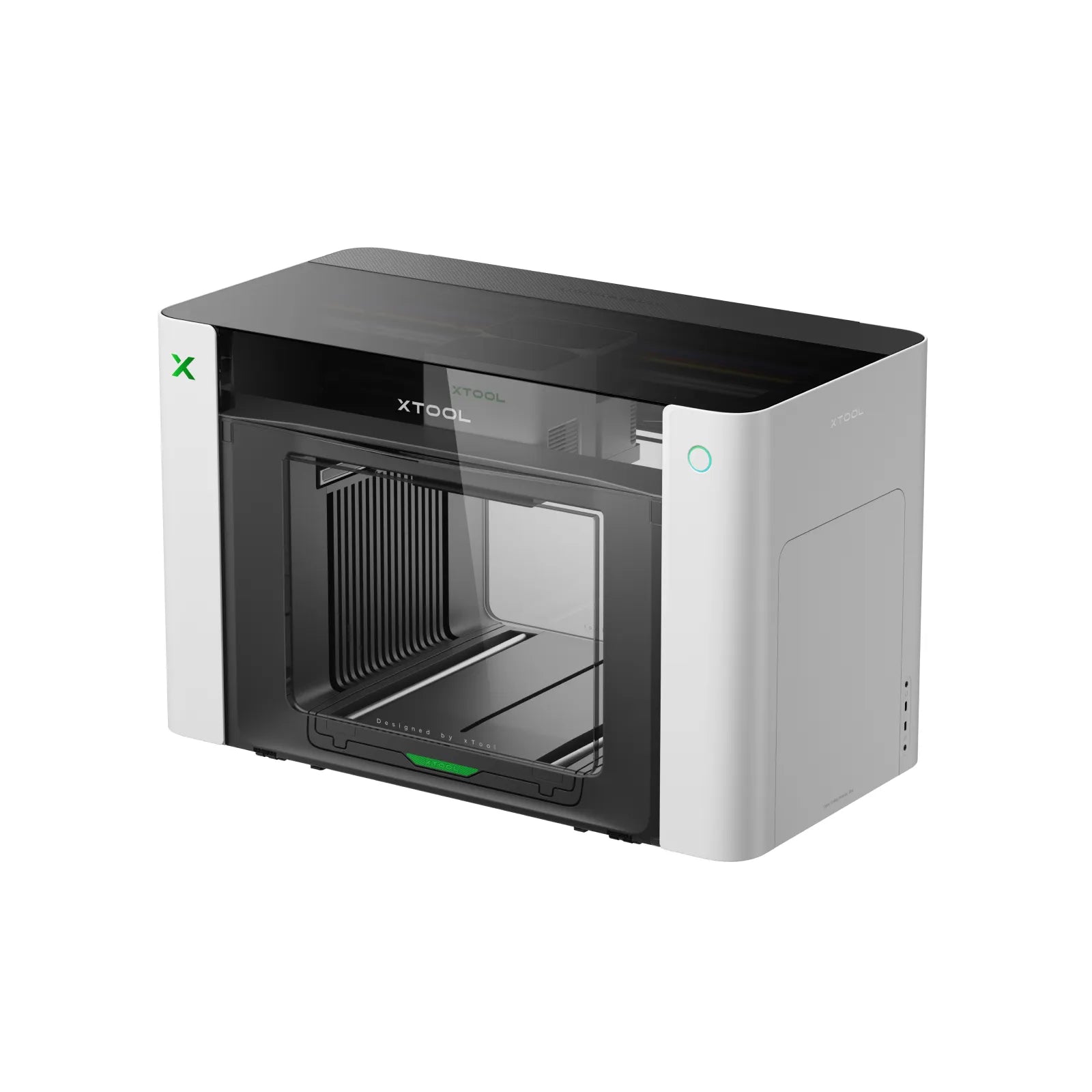
Image from the official xTool product page
BUYING SNAPSHOT
Is this your best fit?
Ideal for
Creators who want a compact route into direct UV with optional UV-DTF, DTG and DTF workflows
Choose another model when
You need a proven long-term production record or a machine that can be upgraded between factory editions
Support included
Manufacturer support, remote controls and North American demo/service network
Buying route
Official manufacturer page; compare the Single UV, Dual UV and DT+UV editions carefully
This buying route is currently provided for comparison. Any tracked affiliate route is clearly disclosed. Prices and configurations are accurate only on the seller page when you click. How our links work.
PUBLISHED & REPORTED SPECIFICATIONS
What the current sources say it offers.
Manufacturer and retailer figures are reported as claims where independent measurement is unavailable. Confirm voltage, configuration, software and included equipment in writing.
Category
Hybrid / new
Current price
Starts at $1,899; verify edition and current price
Format
13 × 16.5 in large print bed; edition-dependent accessories
Printheads
Single or dual Epson F1080, depending on edition
Ink configuration
Edition-dependent UV or UV + fabric ink configuration
Reported speed
Not yet independently established
Software
xTool Studio for macOS and Windows
Warranty
12-month standard warranty listed
Working area
13 × 4.8 in standard; 13 × 16.5 in large bed
Printheads
One or two Epson F1080, by edition
Resolution
720 × 1440 dpi listed
Positioning accuracy
±0.2 mm listed
Embossed height
Up to 7 mm listed
Machine dimensions
28.1 × 14.7 × 18.4 in
WHERE IT EXCELS
Reasons to choose it.
Direct UV, UV-DTF and optional fabric workflows
Automatic white-ink maintenance and app controls
macOS and Windows support
BEFORE YOU CHOOSE
Practical considerations.
New platform with very limited long-term owner evidence
UV-DTF requires the laminator accessory
Factory editions cannot be upgraded into one another
BEFORE YOU PAY
Five answers to get from the seller.
Which exact printhead and machine generation will be delivered?
Which parts—including printheads, dampers and ink-system components—are excluded from warranty?
Who performs diagnosis, installation and repair in your location?
What temperature, humidity, ventilation and daily maintenance are mandatory?
Can the seller produce your files on your materials during a live witnessed demonstration?
MODEL-SPECIFIC BUYER GUIDE
xTool O1 Omni review: a credible four-workflow UV printer?
We compare the three factory editions, working area, ink systems, UV-DTF accessory requirements and the ownership evidence still missing from this new launch.